 Track
TrackTurn static assets into video
No footage? Make the video anyway.
Turn screenshots, artwork, photos, text, and audio into polished Reels, Shorts, promos, and story videos—without filming or starting from a blank timeline.
No download. No account required to start.
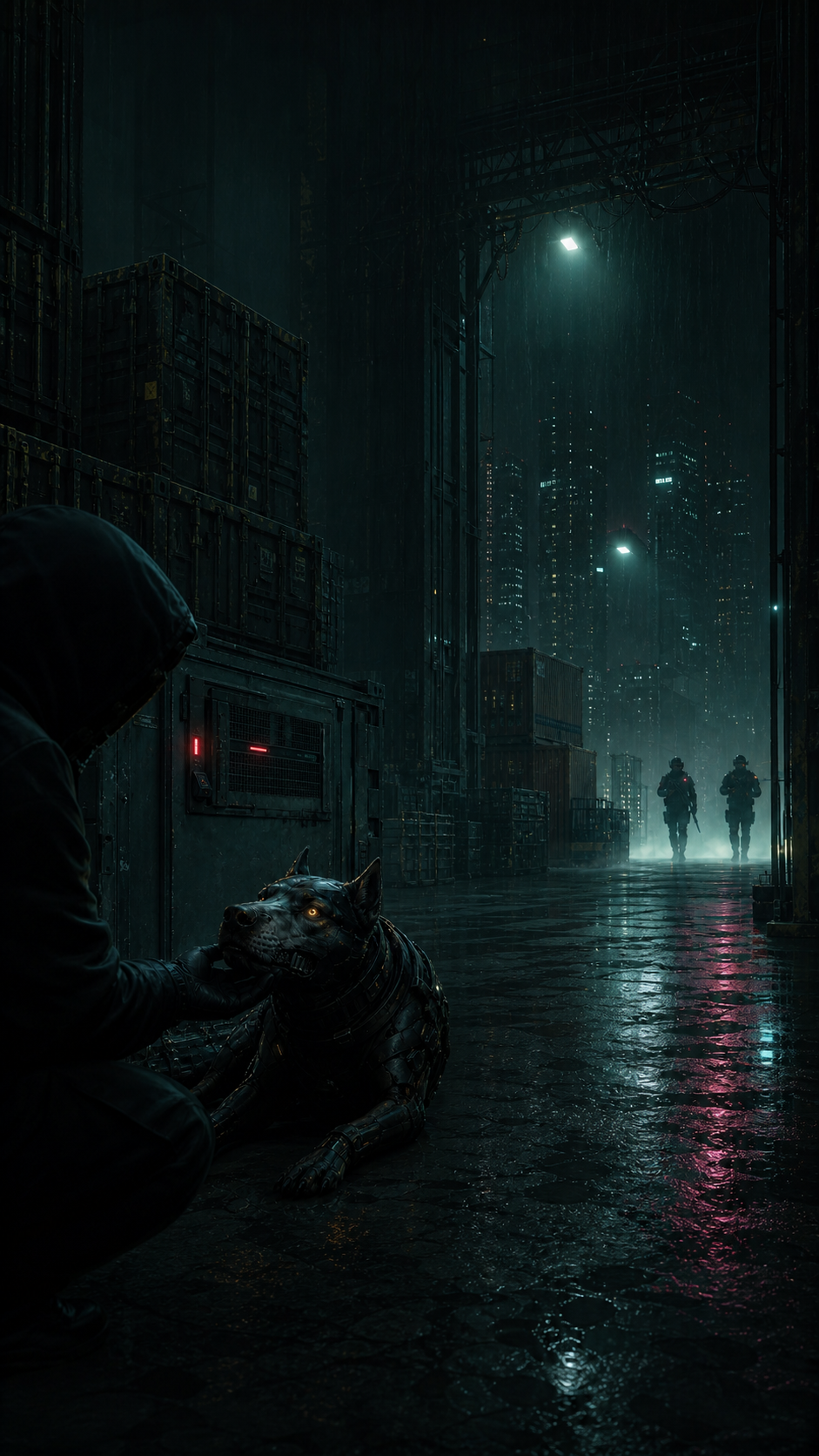
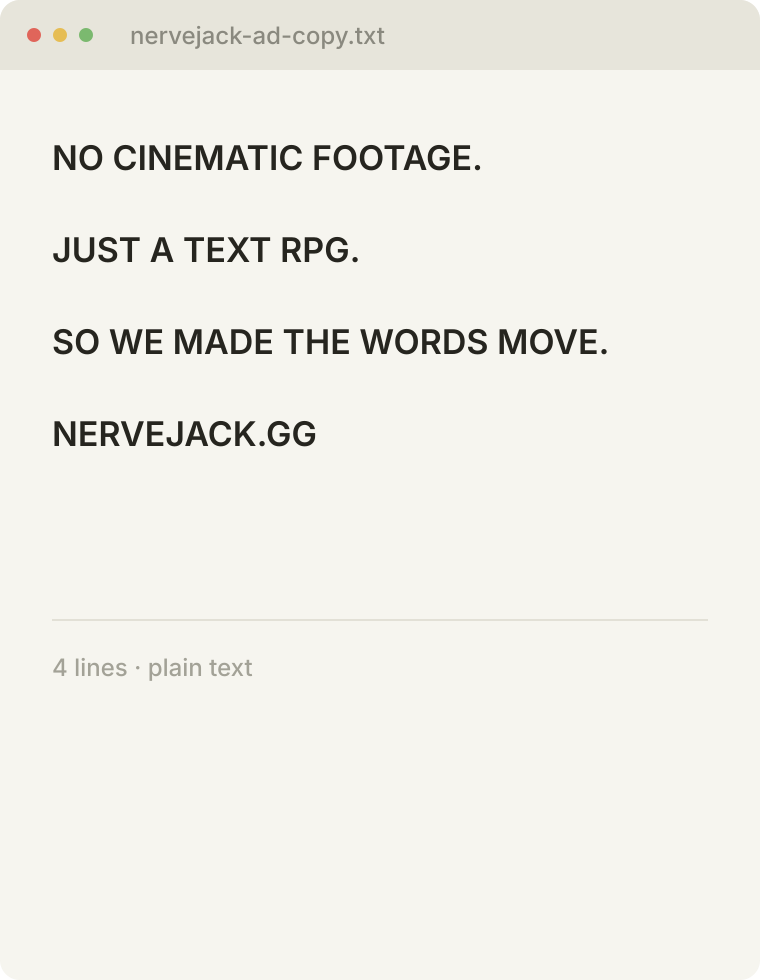
Made from five stills, a logo, a page of copy, and one track. No footage. Open this project
What people make with it
Faceless story channels, indie studios, artists, and product teams — each example shows what went in and what came out, and opens in the editor.
Track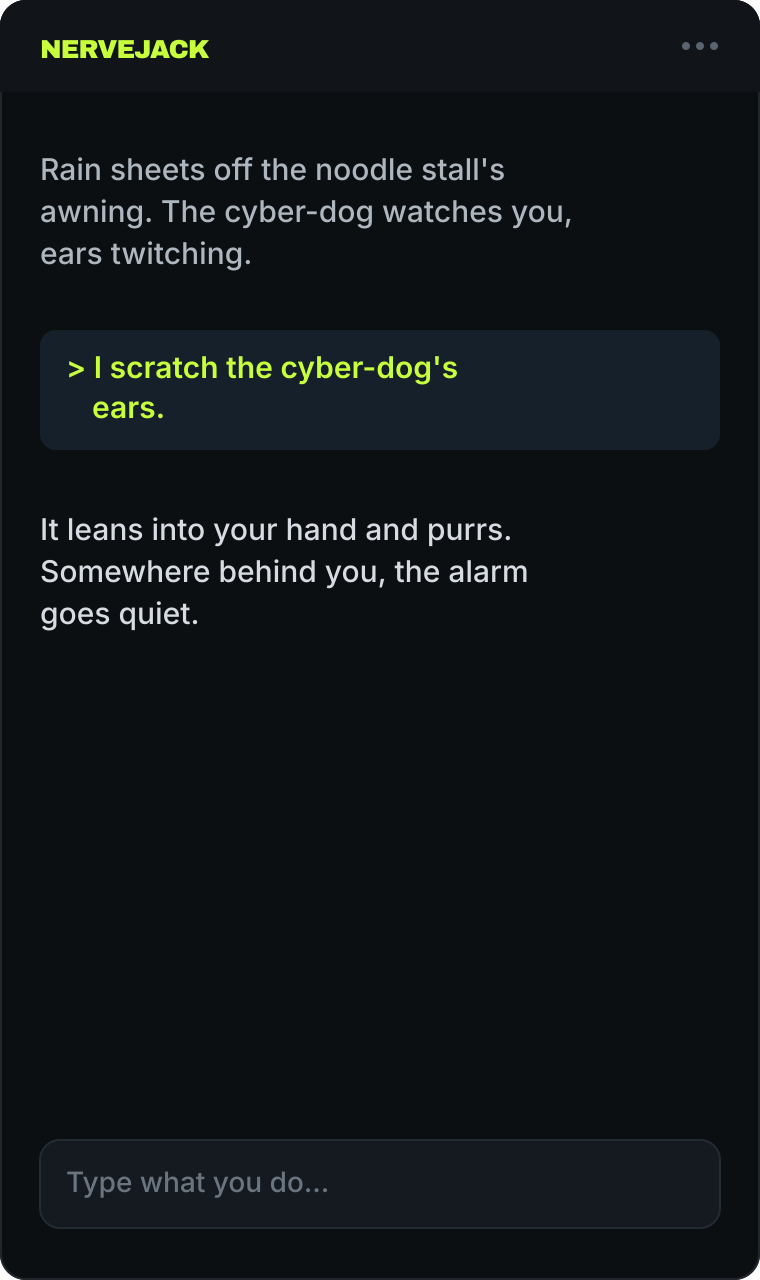
 Track
Track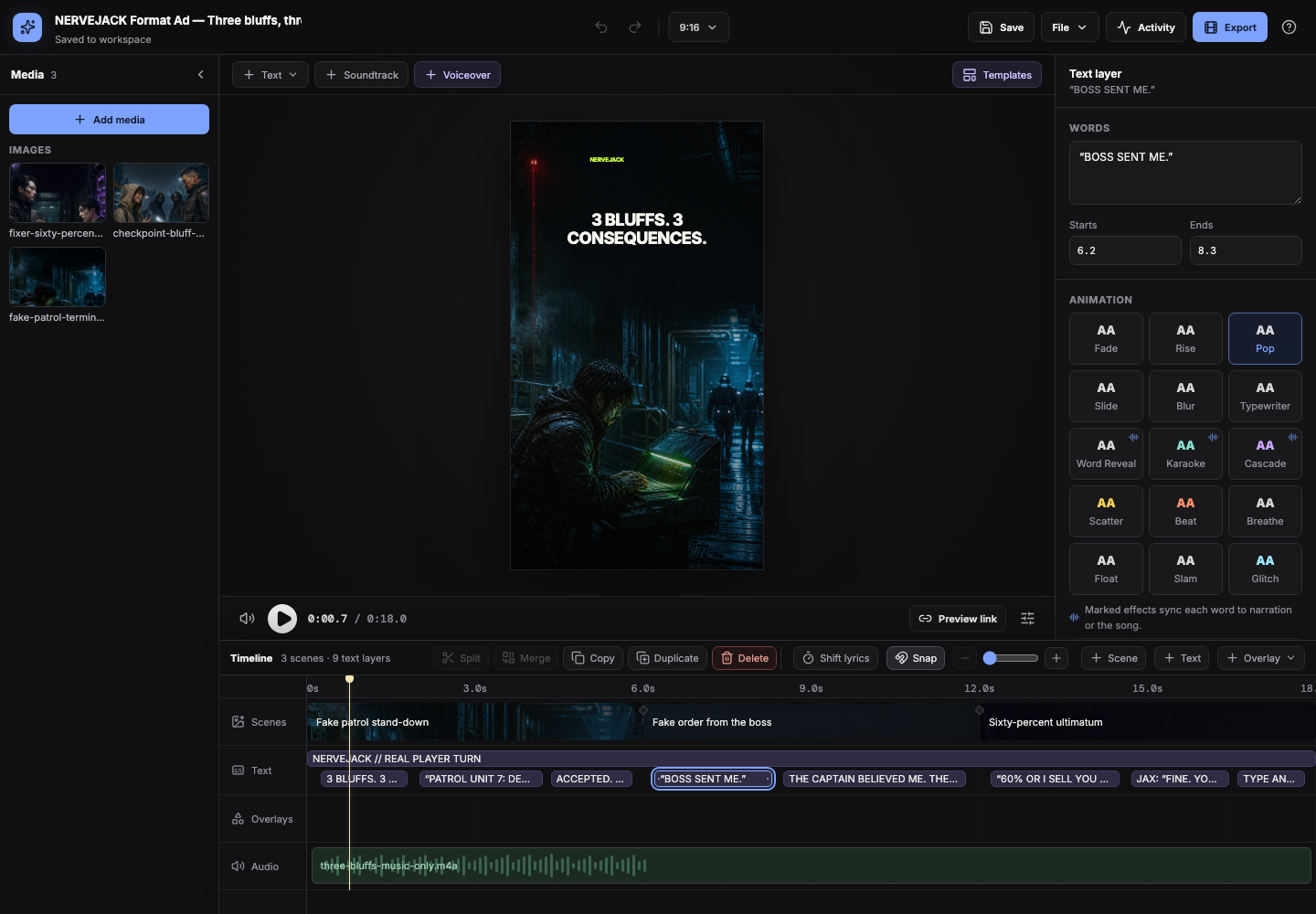
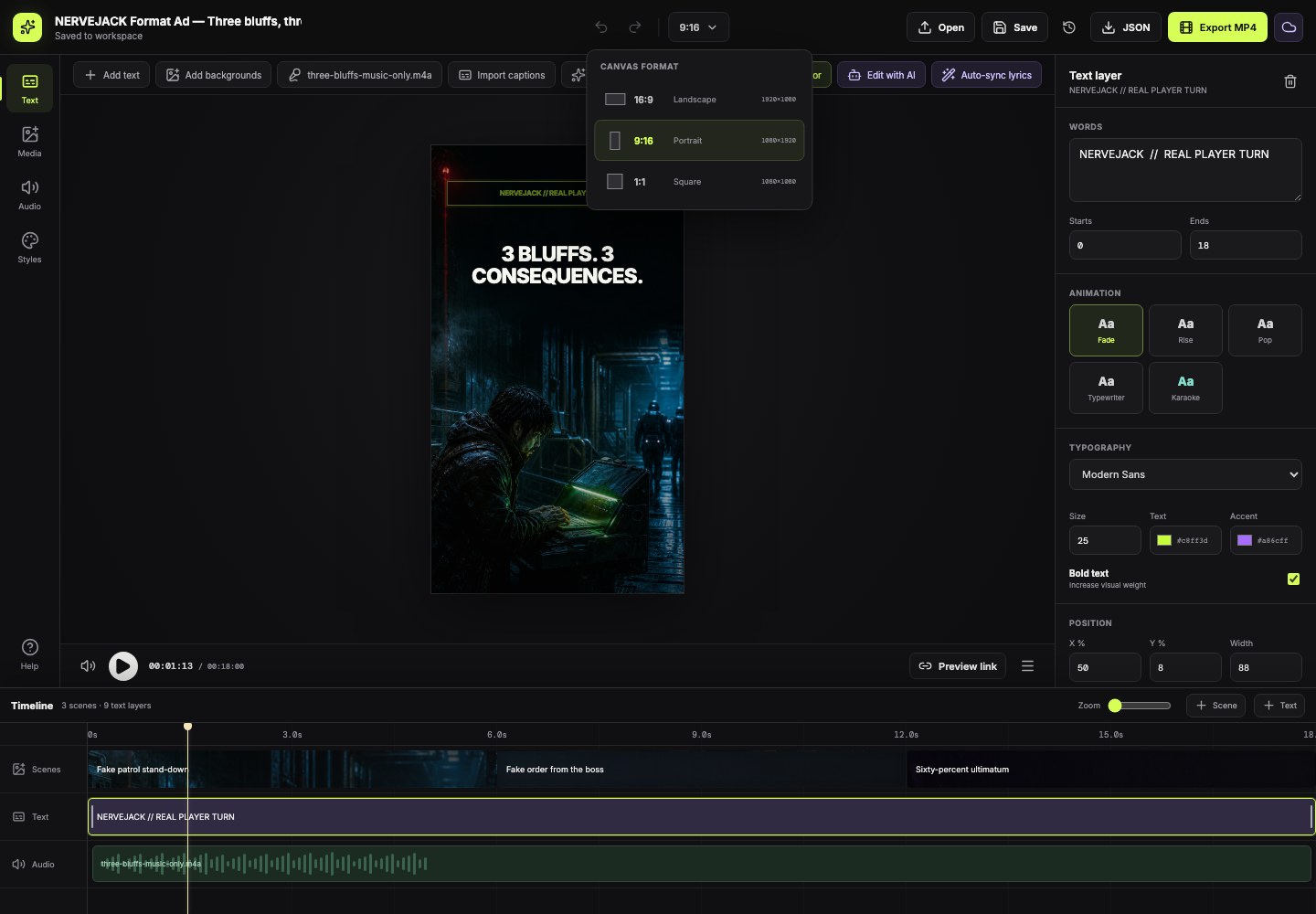
Give it the ingredients. It builds the first cut.
Generated first, editable afterward. You never open a blank timeline.
Add what you have
Upload art, screenshots, photos, logos, audio, and copy.
Choose the outcome
Pick a format and a look, or describe it to Director or a connected AI agent.
Refine and export
It builds the scenes, pacing, and type. Adjust anything, then export for your platform.
Nothing is locked in.
Every scene, word, transition, color, and cut stays adjustable on a real timeline. You get the speed of generation without giving up control.
- Adjust every scene
- Retiming stays simple
- Reuse your brand
- Export every format
Captions & lyric sync
Every word lands on time.
Press play — this timing was placed by Motion Text’s built-in aligner, not typed by hand. Paste your captions or lyrics, press Sync, and it times the words you wrote instead of guessing new ones, so a wrong word is structurally impossible. It works on narration as well as vocals — free, right in the browser.
Use with AI
By hand, with Director, or through your AI agent.
Build and revise the same project in the browser, with the built-in Director, or through ChatGPT, Claude, Codex, and other MCP agents.
- An agent gets your assets and a request.
- It drafts a real project.
- You open it, tweak one thing, and render.
Start free. Upgrade when you publish often.
Free makes complete videos — and most reels fit the free 30-second server render. Pro removes the watermark and raises you to 30 full-length renders a day, up to 4K.
Free
$0
Everything you need to make complete videos.
- Build videos from your assets: scenes, captions, and audio
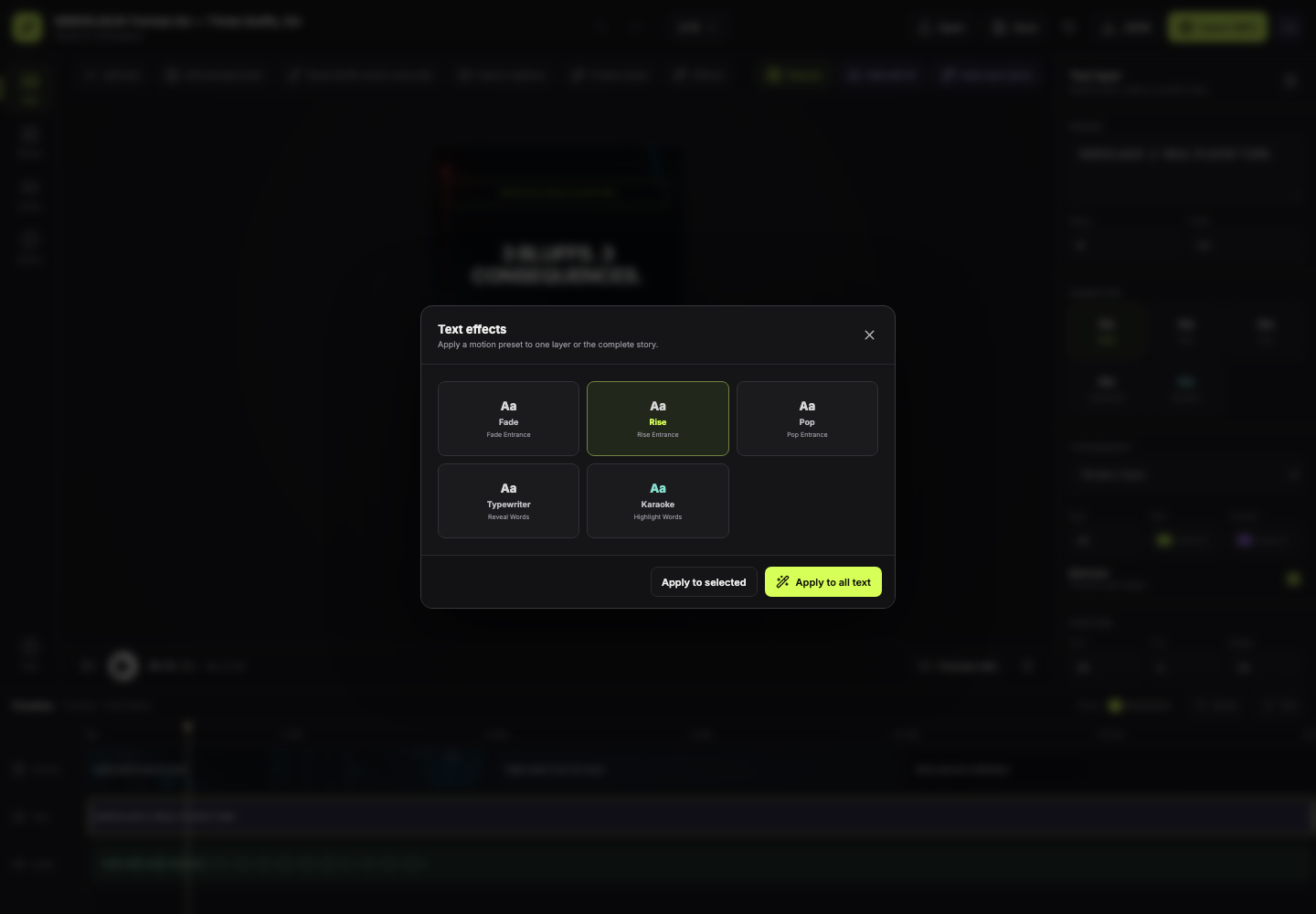
- Five text effects, transitions, brand kits, and presets
- SRT/VTT/LRC import and local lyric auto-sync
- Browser MP4 export with a small watermark
- 3 saved workspace projects
- 5 server renders a day: 1080p, up to 30s (watermarked)
- AI transcription and image generation
Pro
Motion Text Pro
$15 / month
For creators publishing every day.
- No watermark on anything you export
- 30 server renders a day — full-length, 1080p or 4K
- Word-timed AI speech transcription
- AI backgrounds and narration voices
- Unlimited workspace projects
- Version history, share links, and review comments
Just need one video? A single watermark-free render — full-length, 1080p or 4K — is $6, one time. No subscription.
Questions
Is Motion Text a video editor?
Not in the traditional sense. Editors are built for cutting footage. Motion Text builds videos from static assets — art, screenshots, photos, text, audio. The result stays editable, but you never start from footage or a blank timeline.
Do I need video footage?
No. Motion Text is made for projects that have assets but little or no footage.
Does it generate fake video?
It animates and arranges the assets you give it. It can also generate supporting pieces — a background from a prompt, captions timed to audio — but it never has to invent footage.
Can I change what it makes?
Yes. Scenes, timing, text, type, color, motion, audio, and aspect-ratio variants all stay adjustable on a real timeline.
Can I use my own branding?
Yes. Bring your logo, typeface, colors, and saved brand treatments across every project.
Do I need an account?
Not to start. An account is only needed for saved projects and certain server or paid features.
You already have the ingredients.
Turn your art, screenshots, photos, words, and audio into a video people watch.
Start with your assetsNo footage required.